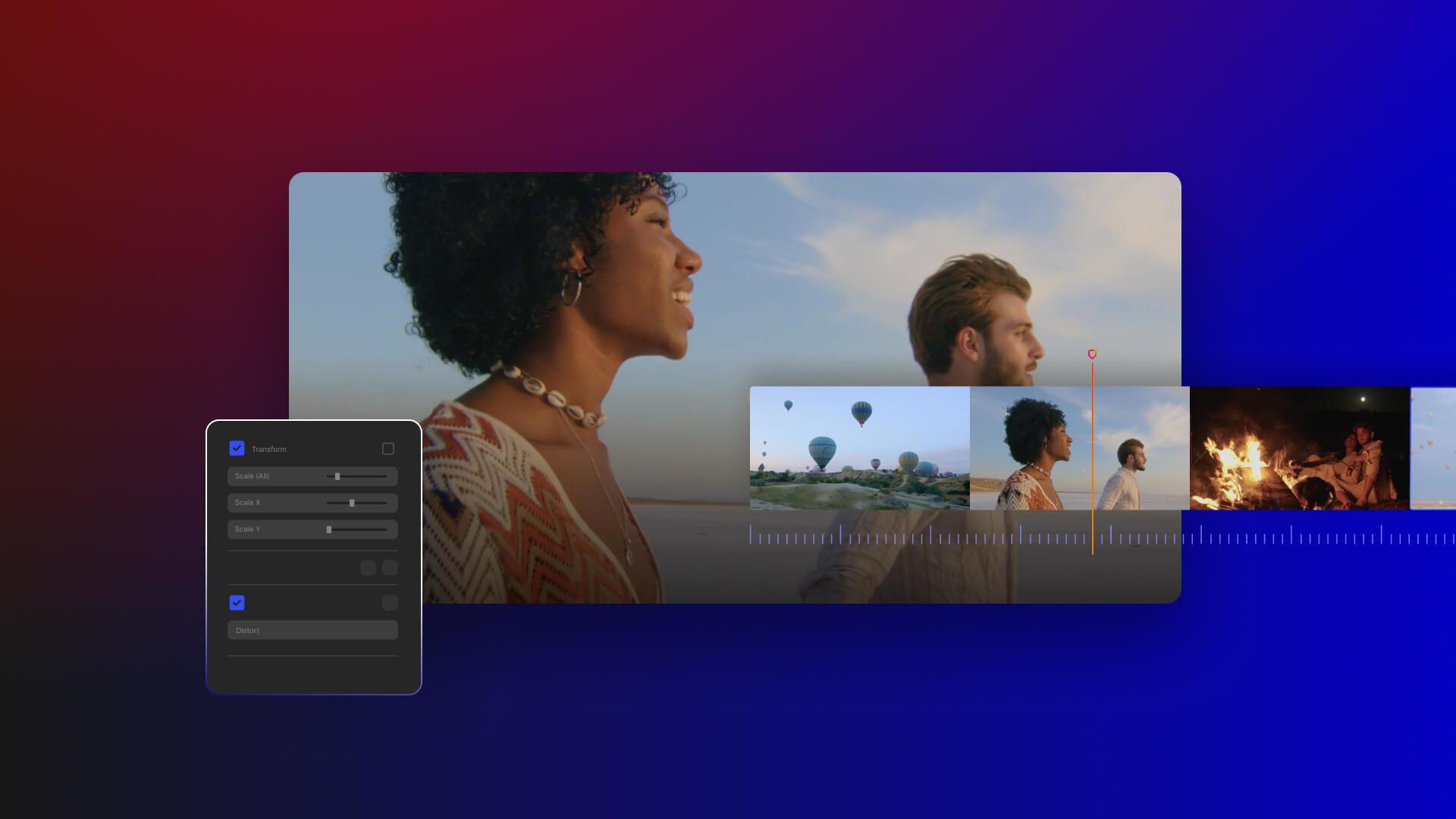
10 Essential Photo Editing Tools for Beginners and Pros
In the world of photography, having the right photo editing tools can make all the difference in turning a good image into a stunning masterpiece. Whether you're a beginner just starting your editing journey or a seasoned professional looking to refine your skills, familiarizing yourself with essential tools is crucial. Here are 10 essential photo editing tools that will help you enhance your images:
- Adobe Photoshop: The industry standard for image editing, offering extraordinary flexibility and options.
- Lightroom: Perfect for managing and editing multiple images, with powerful adjustment features.
- Canva: User-friendly for beginners, ideal for creating social media graphics and marketing material.
- GIMP: A free alternative to Photoshop, offering a wide array of features for those on a budget.
- Snapseed: A mobile app packed with powerful editing capabilities for photographers on the go.
- Paint.NET: A free and straightforward tool that’s great for basic tasks.
- Pixlr: A cloud-based option that provides many features without installation.
- Affinity Photo: A robust, cost-effective alternative to Photoshop with many professional features.
- Fotor: Offers a simple interface and various templates for quick editing.
- Photopea: A browser-based tool that mimics Photoshop, making it accessible without downloads.
How to Achieve Stunning Visuals: A Step-by-Step Guide to Editing Like a Pro
Achieving stunning visuals in your photography and videography begins with mastering the art of editing. By following these practical steps, you can elevate your content and captivate your audience. Start with choosing the right software that suits your needs; popular options include Adobe Photoshop, Lightroom, and Premiere Pro. Once you've selected your tool, create a systematic workflow that allows for efficient editing. Here's a quick overview of the essential steps:
- Import your media: Gather all your photos or videos in one project folder.
- Organize: Sort your files by date, event, or theme to streamline the editing process.
- Apply basic adjustments: Adjust exposure, contrast, and color balance to enhance the overall quality.
Once you have your basic adjustments in place, you can delve into more advanced techniques to really make your visuals pop. Consider using layering techniques, which allow you to edit different elements of your image separately. This can include features like removing distractions or enhancing specific colors. Additionally, don't forget about the importance of export settings; optimal settings will ensure that your visuals maintain quality across different platforms. Finally, take the time to review your edits critically—sometimes less is more. Always keep your audience in mind and aim to evoke a specific emotion or response through your stunning visuals.
What Are the Key Features to Look for in Photo Editing Software?
When choosing photo editing software, there are several key features to consider that can significantly enhance your editing experience. First and foremost, look for user-friendly interfaces that make navigation intuitive, especially if you are a beginner. Additionally, consider the software's toolset; essential tools include cropping, color correction, and retouching capabilities. Advanced features like layers and filters can provide more creative control, allowing you to manipulate images with precision.
Another crucial aspect is compatibility with various file formats, enabling you to work on different image types without hassle. Furthermore, examine whether the software supports non-destructive editing, which preserves the original image data while allowing unlimited adjustments. Finally, consider the availability of tutorials and customer support, as they can be invaluable resources, especially when tackling complex editing techniques. By focusing on these features, you can find the right photo editing software that meets your needs.